Activities
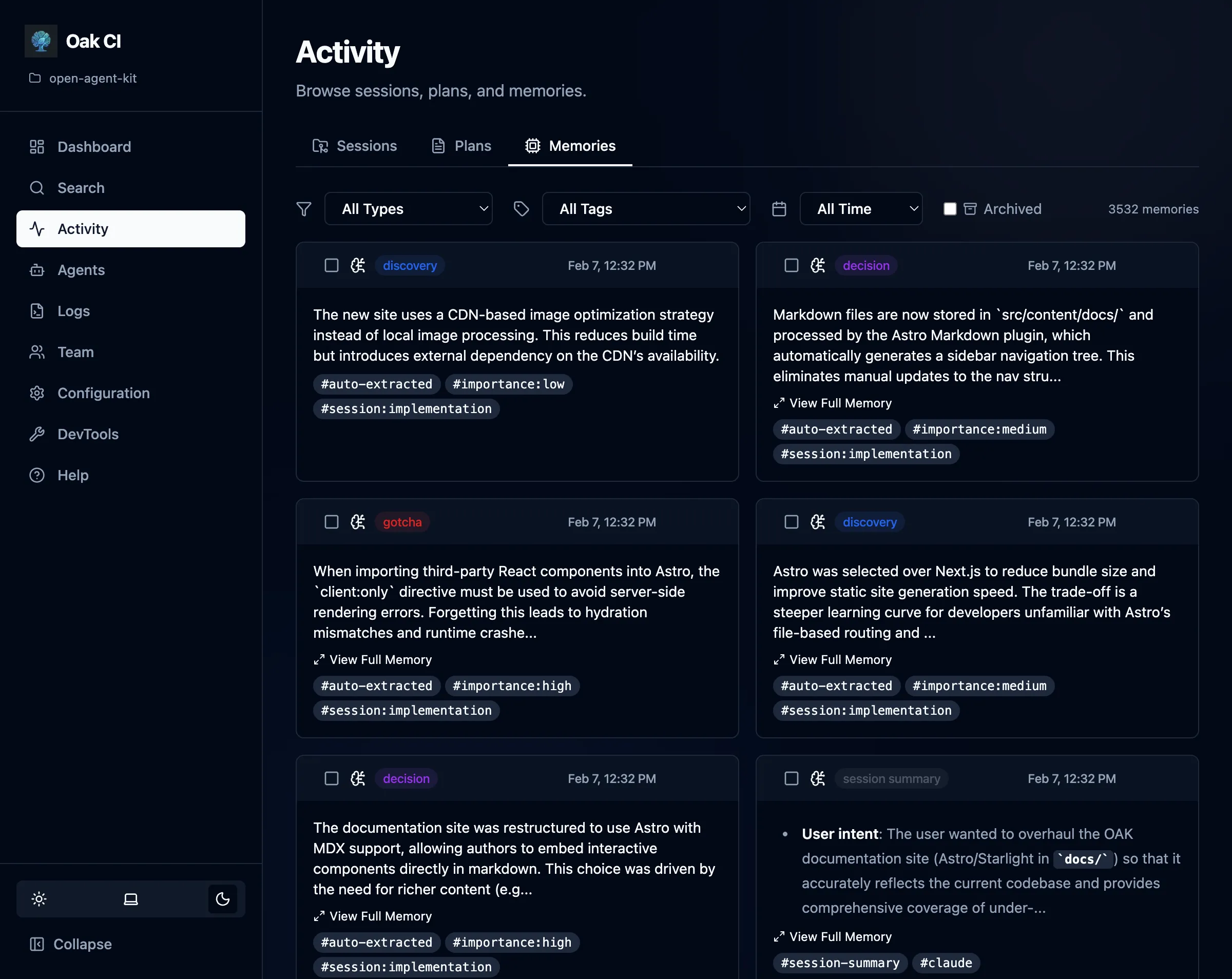
The Activities page is the hub for everything your AI agents have done. It’s organized into three tabs: Sessions, Plans, and Memories.
Sessions
Section titled “Sessions”Every interaction with an AI coding agent is tracked as a session. The sessions list shows:
- Title and status — Auto-generated titles with status badges (active, completed, stale)
- Activity count — How many tool executions, prompts, and outputs were captured
- Agent — Which coding agent (Claude, Cursor, Codex, etc.) created the session
- Timestamps — When the session started and was last active
Session Detail
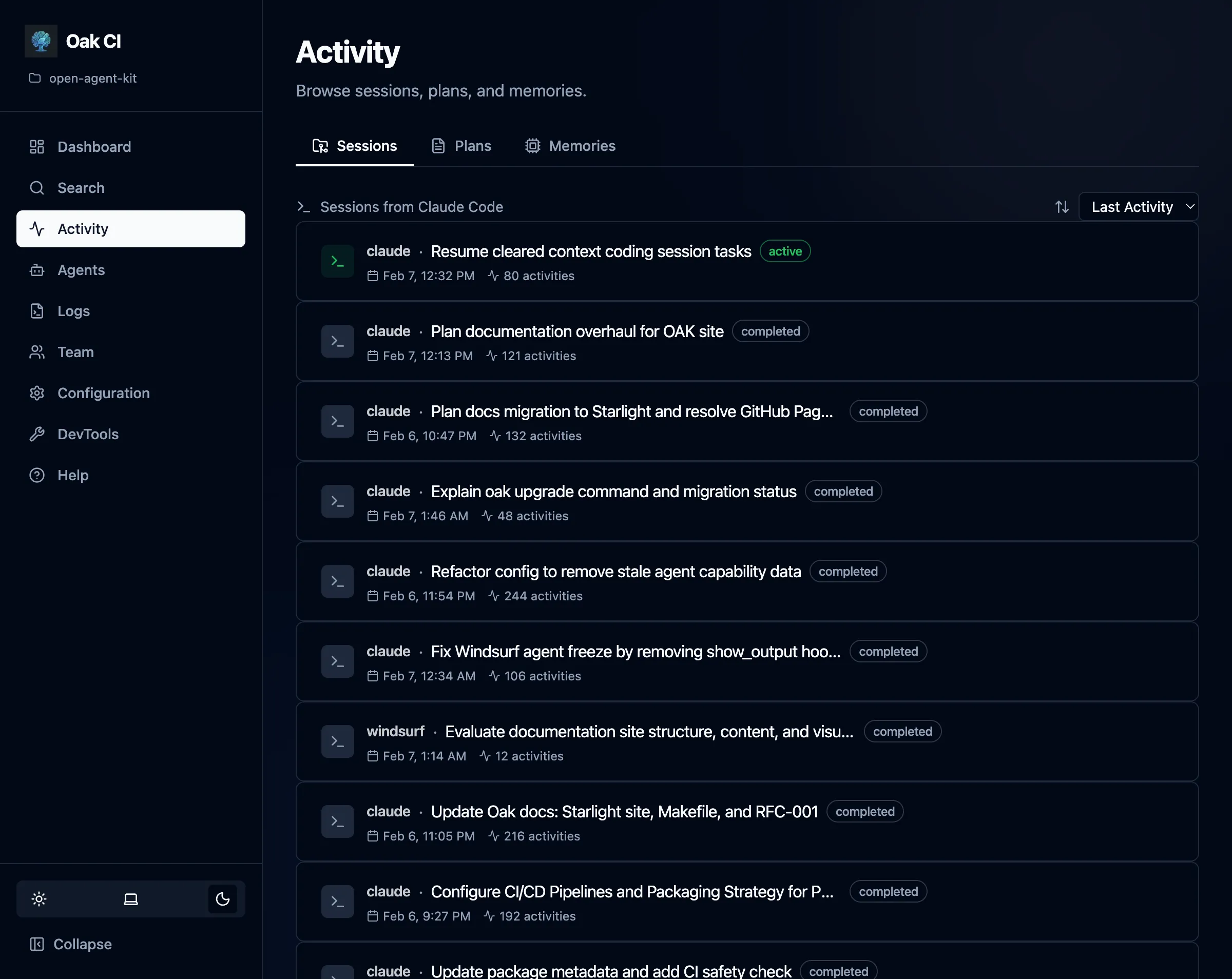
Section titled “Session Detail”Click into any session to see its full timeline:
- Prompt batches — Each user prompt and the agent’s response, with classification labels
- Tool executions — Individual tool calls (file reads, writes, searches, etc.) with timing
- Session lineage — Parent-child relationships when sessions spawn sub-agents or compact/resume cycles
- Related sessions — Sessions working on similar tasks, detected automatically or linked manually
Session Actions
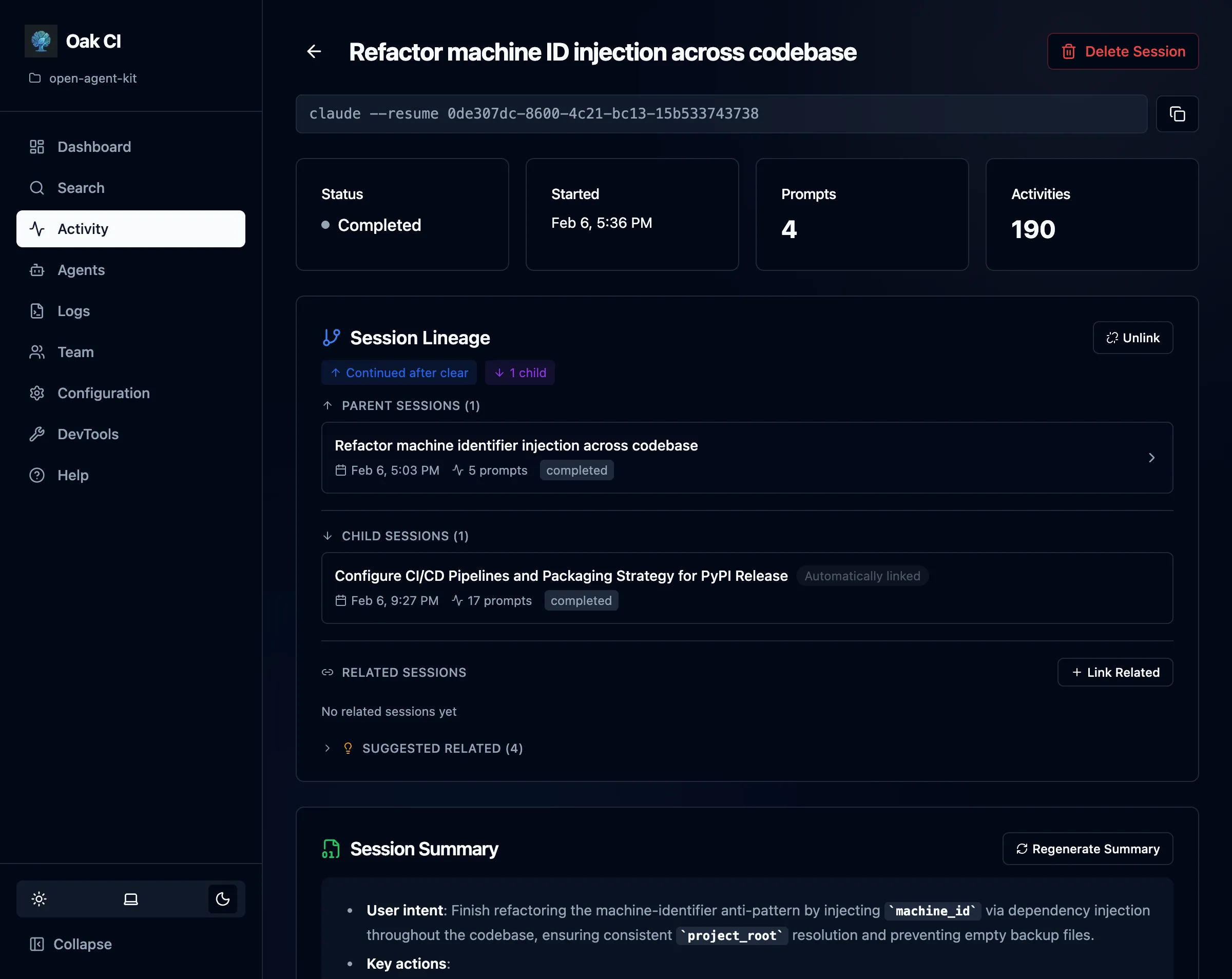
Section titled “Session Actions”- Complete — Manually mark a session as completed
- Regenerate summary — Re-run the LLM summarizer on a session
- Link/unlink parent — Manage session lineage relationships
- Delete — Remove a session and all its data (cascading)
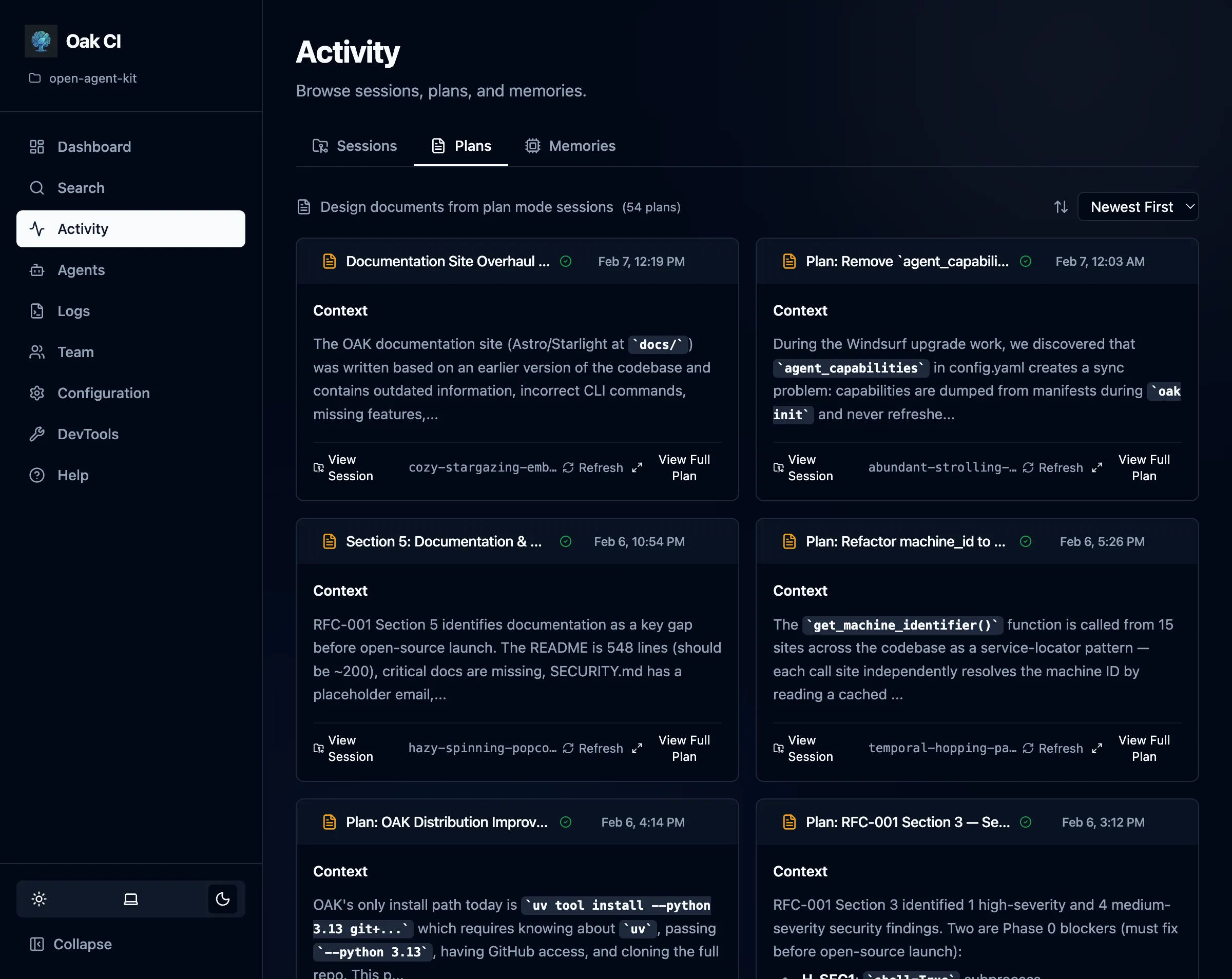
Browse implementation plans captured during agent sessions. Plans are detected from plan mode files (.claude/plans/, .cursor/plans/, etc.) and stored alongside the session that created them.
- Plan list — All captured plans with title, associated session, and timestamp
- Rendered markdown — Click into a plan to see its full content rendered as markdown
- Refresh from source — If the plan file still exists on disk, refresh to pick up any changes
Memories
Section titled “Memories”View, search, and manage all stored observations across your project.
Filtering
Section titled “Filtering”- By type — Filter by memory type:
gotcha,bug_fix,decision,discovery,trade_off,session_summary - By tags — Filter by user-assigned tags for organization
Memory Actions
Section titled “Memory Actions”- Archive / Unarchive — Soft-hide a memory from the active list. Archived memories are preserved in the database and can be restored at any time. This is not a delete — it’s a way to reduce noise while keeping the data safe.
- Delete — Permanently remove a memory
- Bulk actions — Select multiple memories for batch delete, archive, or tag management